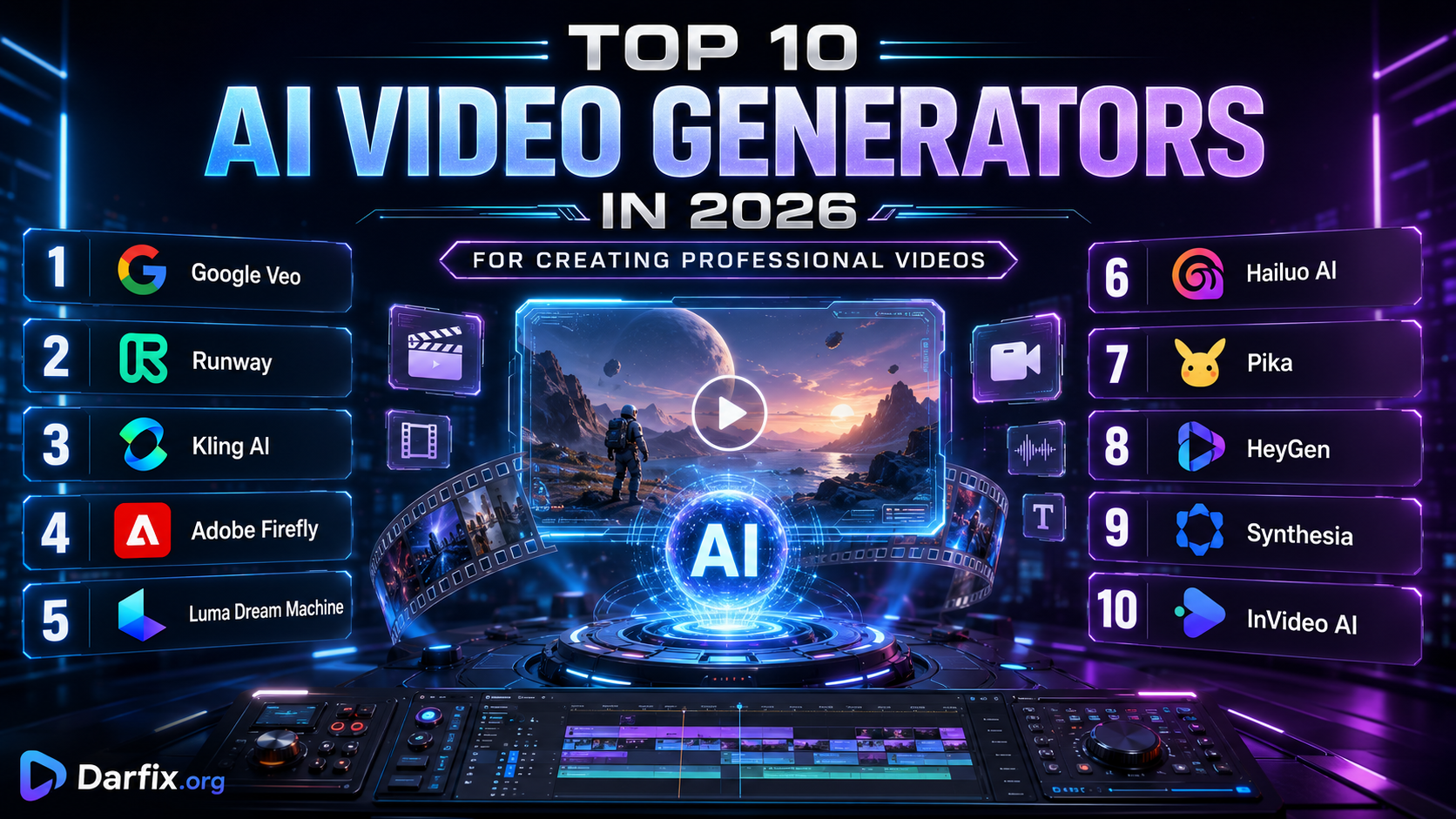
Top 10 AI Video Generators in 2026 for Creating Professional Videos
Technology2 views2026-07-28
Artificial intelligence has transformed video production. In 2026, creators can generate cinematic clips, animate still images, build advertisements, create virtual presenters and produce complete social-media videos from simple written instructions.
Some AI video generators focus on realistic cinematic scenes, while others specialize in talking avatars, product demonstrations, training videos or complete automated production. Choosing the right platform depends on the type of content you want to create.
Here are ten of the most useful AI video generators to know in 2026.
1. Google Veo
Google Veo is one of the most advanced generative video systems available. It can create videos from written prompts or reference images and can generate synchronized audio alongside the visuals.
Veo is especially suitable for realistic scenes, cinematic camera movement, environmental sound, dialogue and short narrative sequences. It is a strong option for filmmakers, advertisers and creators who want professional-looking footage without traditional filming equipment.
2. Runway
Runway combines AI video generation with professional creative and editing tools. Users can create videos from text, animate an image, transform existing footage or extend a video beyond its original duration.
The platform is particularly useful for concept films, advertisements, music videos, visual effects and experimental storytelling. Runway also focuses on maintaining consistent characters, objects and environments across generated scenes.
3. Kling AI
Kling AI is a creative platform for generating videos, images, audio, avatars and visual effects. It supports both text-to-video and image-to-video workflows, allowing users to describe a scene or animate an existing picture.
Kling is popular for realistic motion, cinematic compositions, character animation and social-media content. It can also use reference material to improve the consistency of subjects across different generated shots.
4. Adobe Firefly Video
Adobe Firefly provides AI tools for generating and editing video inside a broader professional creative environment. Users can create clips from written prompts or reference images and then continue editing the results with Adobe applications.
Firefly is especially useful for advertisements, background footage, motion-design concepts, product visuals and professional post-production. Its integration with Adobe Creative Cloud makes it a practical choice for editors, designers and marketing teams.
5. Luma Dream Machine
Luma Dream Machine generates cinematic videos from text descriptions and still images. Its Ray video technology is designed to create controlled movement, visual continuity and production-quality scenes.
Creators can use Luma for music videos, promotional clips, short films, environmental shots and animated concept art. It is particularly useful when a static image needs to be transformed into a dynamic cinematic sequence.
6. Hailuo AI
Hailuo AI, developed by MiniMax, provides text-to-video and image-to-video generation for creators. It can produce short visual sequences with detailed motion, characters, environments and cinematic camera behavior.
The platform is suitable for storytelling, advertising concepts, fantasy scenes, social-media videos and experimental filmmaking. Its Media Agent also aims to simplify the production process by turning basic instructions into more complete creative outputs.
7. Pika
Pika is designed for fast, creative and social-first AI video generation. It can animate images, transform subjects and create short videos based on prompts, photographs, sounds and popular visual trends.
Pika is especially useful for viral clips, memes, transformations, music-based animations and short social-media content. Its accessible interface makes it suitable for beginners who want visually engaging results without complex editing software.
8. HeyGen
HeyGen specializes in videos featuring realistic AI presenters and digital avatars. Users can enter a script, select an avatar and voice and generate a polished presentation without recording a real person.
The platform is useful for product demonstrations, marketing campaigns, educational videos, training, onboarding and multilingual communication. It also provides voice cloning, translation and lip-sync features for producing content in different languages.
9. Synthesia
Synthesia is an AI video platform focused on professional and business communication. Users can begin with a prompt, script, document or web page and turn the material into a structured video with scenes, narration and digital presenters.
It is particularly suitable for employee training, tutorials, company announcements, educational courses and localized business content. Synthesia offers AI avatars and voiceovers in many languages, helping organizations create multiple versions of the same video.
10. InVideo AI
InVideo AI helps users create complete videos from simple written instructions. It can prepare a script, select or generate visuals, add narration, subtitles, background music and transitions and organize everything into a finished video.
This makes it useful for YouTube videos, advertisements, explainers, promotional content and social-media posts. InVideo is a strong choice for creators who need a complete production workflow rather than only a short generated clip.
Which AI Video Generator Should You Choose?
Google Veo, Runway, Kling AI, Adobe Firefly and Luma Dream Machine are strong choices for cinematic and creative video generation.
Pika is suitable for fast social-media content, while Hailuo AI is useful for imaginative visual sequences and automated creative workflows.
HeyGen and Synthesia are better choices for talking presenters, training materials and multilingual business videos. InVideo AI is designed for users who want an entire video—including the script, narration, footage, subtitles and music—created within one platform.
Professional creators can also combine multiple tools. A scene could be generated with Veo or Kling, edited with Runway or Adobe software, narrated with an AI voice and assembled into a complete publication using InVideo.
AI video generation can reduce production time and make visual storytelling more accessible, but every result should be reviewed before publication. Creators should check factual accuracy, visual consistency, commercial-use conditions and the rights associated with uploaded images, voices and reference materials.
Artificial intelligence is not replacing filmmakers or video editors. It is becoming a powerful production partner that allows creators to test ideas, visualize stories and create professional content faster.
Some AI video generators focus on realistic cinematic scenes, while others specialize in talking avatars, product demonstrations, training videos or complete automated production. Choosing the right platform depends on the type of content you want to create.
Here are ten of the most useful AI video generators to know in 2026.
1. Google Veo
Google Veo is one of the most advanced generative video systems available. It can create videos from written prompts or reference images and can generate synchronized audio alongside the visuals.
Veo is especially suitable for realistic scenes, cinematic camera movement, environmental sound, dialogue and short narrative sequences. It is a strong option for filmmakers, advertisers and creators who want professional-looking footage without traditional filming equipment.
2. Runway
Runway combines AI video generation with professional creative and editing tools. Users can create videos from text, animate an image, transform existing footage or extend a video beyond its original duration.
The platform is particularly useful for concept films, advertisements, music videos, visual effects and experimental storytelling. Runway also focuses on maintaining consistent characters, objects and environments across generated scenes.
3. Kling AI
Kling AI is a creative platform for generating videos, images, audio, avatars and visual effects. It supports both text-to-video and image-to-video workflows, allowing users to describe a scene or animate an existing picture.
Kling is popular for realistic motion, cinematic compositions, character animation and social-media content. It can also use reference material to improve the consistency of subjects across different generated shots.
4. Adobe Firefly Video
Adobe Firefly provides AI tools for generating and editing video inside a broader professional creative environment. Users can create clips from written prompts or reference images and then continue editing the results with Adobe applications.
Firefly is especially useful for advertisements, background footage, motion-design concepts, product visuals and professional post-production. Its integration with Adobe Creative Cloud makes it a practical choice for editors, designers and marketing teams.
5. Luma Dream Machine
Luma Dream Machine generates cinematic videos from text descriptions and still images. Its Ray video technology is designed to create controlled movement, visual continuity and production-quality scenes.
Creators can use Luma for music videos, promotional clips, short films, environmental shots and animated concept art. It is particularly useful when a static image needs to be transformed into a dynamic cinematic sequence.
6. Hailuo AI
Hailuo AI, developed by MiniMax, provides text-to-video and image-to-video generation for creators. It can produce short visual sequences with detailed motion, characters, environments and cinematic camera behavior.
The platform is suitable for storytelling, advertising concepts, fantasy scenes, social-media videos and experimental filmmaking. Its Media Agent also aims to simplify the production process by turning basic instructions into more complete creative outputs.
7. Pika
Pika is designed for fast, creative and social-first AI video generation. It can animate images, transform subjects and create short videos based on prompts, photographs, sounds and popular visual trends.
Pika is especially useful for viral clips, memes, transformations, music-based animations and short social-media content. Its accessible interface makes it suitable for beginners who want visually engaging results without complex editing software.
8. HeyGen
HeyGen specializes in videos featuring realistic AI presenters and digital avatars. Users can enter a script, select an avatar and voice and generate a polished presentation without recording a real person.
The platform is useful for product demonstrations, marketing campaigns, educational videos, training, onboarding and multilingual communication. It also provides voice cloning, translation and lip-sync features for producing content in different languages.
9. Synthesia
Synthesia is an AI video platform focused on professional and business communication. Users can begin with a prompt, script, document or web page and turn the material into a structured video with scenes, narration and digital presenters.
It is particularly suitable for employee training, tutorials, company announcements, educational courses and localized business content. Synthesia offers AI avatars and voiceovers in many languages, helping organizations create multiple versions of the same video.
10. InVideo AI
InVideo AI helps users create complete videos from simple written instructions. It can prepare a script, select or generate visuals, add narration, subtitles, background music and transitions and organize everything into a finished video.
This makes it useful for YouTube videos, advertisements, explainers, promotional content and social-media posts. InVideo is a strong choice for creators who need a complete production workflow rather than only a short generated clip.
Which AI Video Generator Should You Choose?
Google Veo, Runway, Kling AI, Adobe Firefly and Luma Dream Machine are strong choices for cinematic and creative video generation.
Pika is suitable for fast social-media content, while Hailuo AI is useful for imaginative visual sequences and automated creative workflows.
HeyGen and Synthesia are better choices for talking presenters, training materials and multilingual business videos. InVideo AI is designed for users who want an entire video—including the script, narration, footage, subtitles and music—created within one platform.
Professional creators can also combine multiple tools. A scene could be generated with Veo or Kling, edited with Runway or Adobe software, narrated with an AI voice and assembled into a complete publication using InVideo.
AI video generation can reduce production time and make visual storytelling more accessible, but every result should be reviewed before publication. Creators should check factual accuracy, visual consistency, commercial-use conditions and the rights associated with uploaded images, voices and reference materials.
Artificial intelligence is not replacing filmmakers or video editors. It is becoming a powerful production partner that allows creators to test ideas, visualize stories and create professional content faster.